
Can I control both the first and last frame?
Yes. Models like Kling 3.0/4.0, Seedance 2.0/2.5, Wan 3.0/Prime, and MiniMax H3 let you upload both a starting frame and an optional ending frame.
AI Image to Video
Your first result will appear here.
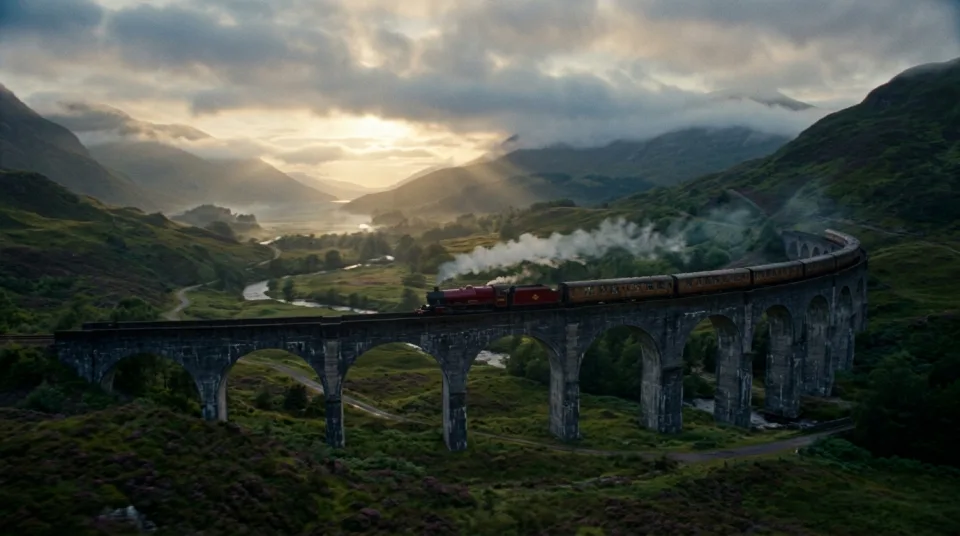
Upload a private starting frame (or first and last frames on dual-frame models), describe the camera and subject motion, and render a private MP4 clip.
Upload your private PNG or JPEG image as the starting frame.
Describe the subtle motion or camera trajectory you want to see.
Generate with Wan 2.2 Turbo or switch to Kling 4.0 / Seedance 2.0 for native-audio motion.
Yes. Models like Kling 3.0/4.0, Seedance 2.0/2.5, Wan 3.0/Prime, and MiniMax H3 let you upload both a starting frame and an optional ending frame.
Yes. Uploaded frames are protected by account ownership checks and private storage.
Video models preserve the visual framing of your source reference automatically.
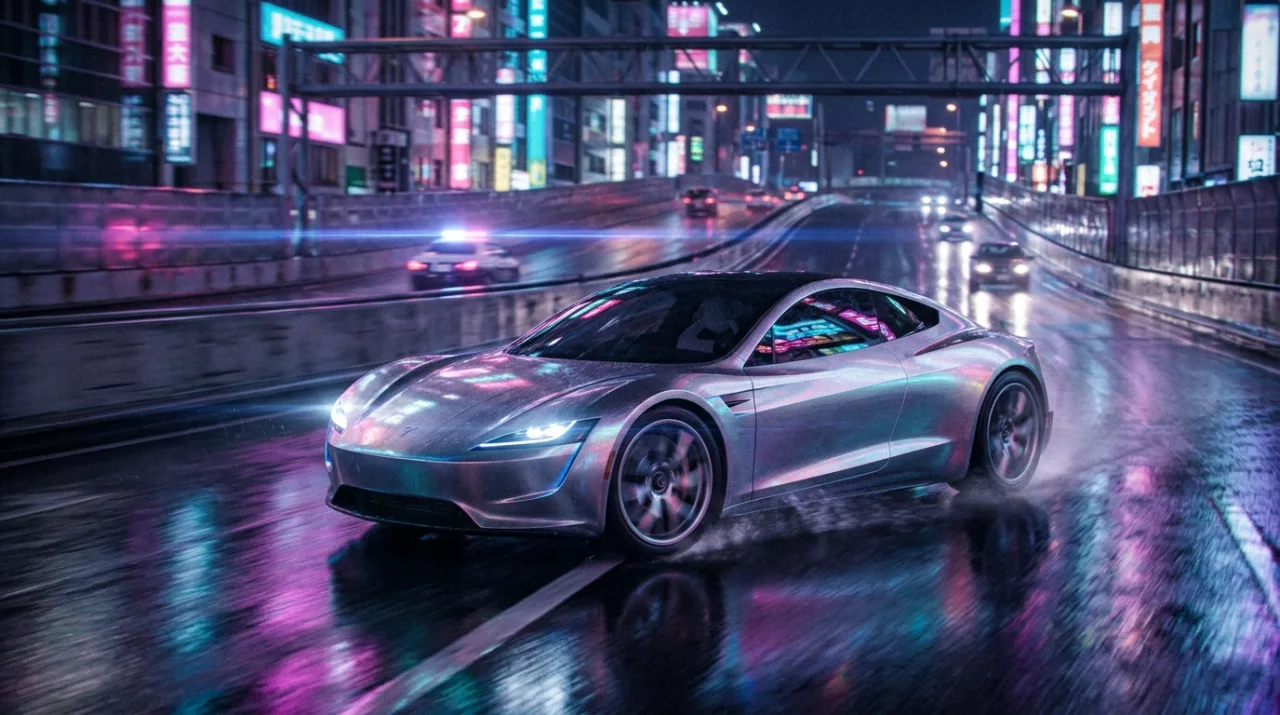
Direct 5-second cinematic clips with native synchronized audio from a single written brief.

Turn a single studio product shot into a high-impact motion ad with splashes, rim light, and sound.

Stage your product photo on stone, studio sweeps, or editorial sunlit sets.