
Which canvas size works best for room redesigns?
Wide (1536×1024) captures room proportions naturally and is pre-selected for this tool.
AI Interior Design
Your first result will appear here.
Recent work
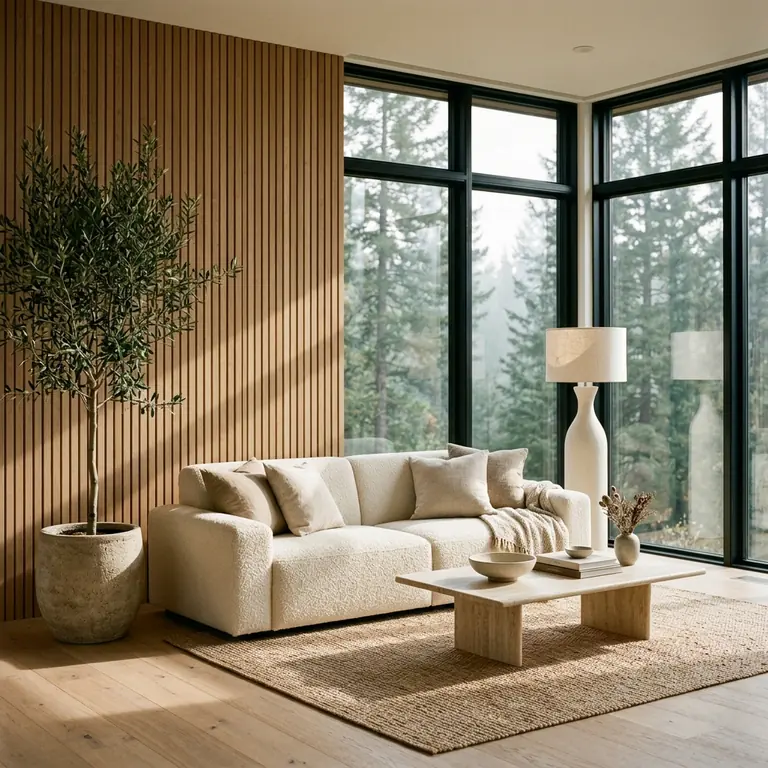
How it works
Upload a room snapshot, pick your preferred layout ratio, and test materials, furniture, and daylight mood in seconds.
Upload a wide shot of the room you want to restyle.
Edit the prompt to swap styles (Japandi, mid-century, industrial, warm modern).
Generate 1–4 directions and iterate directly from your favorite result.
FAQ
Wide (1536×1024) captures room proportions naturally and is pre-selected for this tool.
Yes. Click 'Use prompt only' in the workspace to brainstorm fresh room concepts from scratch.
Yes. Paid credits unlock 2× and 4× parallel generation so you can compare client mood options in one run.

Stage your product photo on stone, studio sweeps, or editorial sunlit sets.
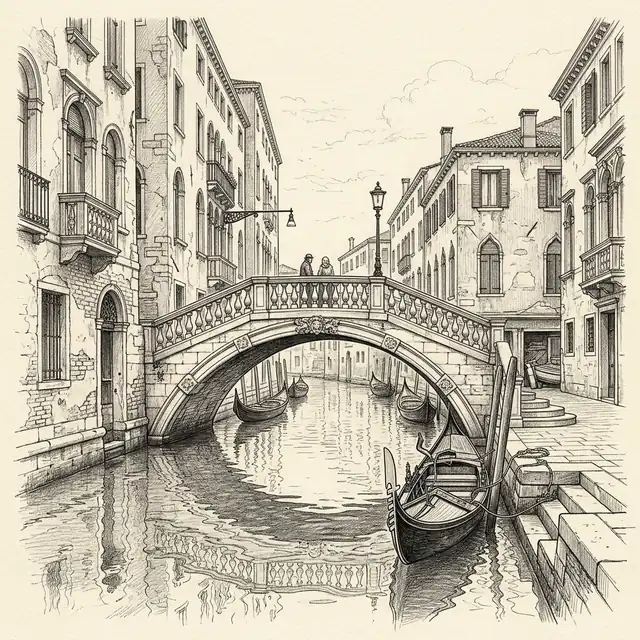
Convert portraits, buildings, and objects into fine graphite and ink drawings.
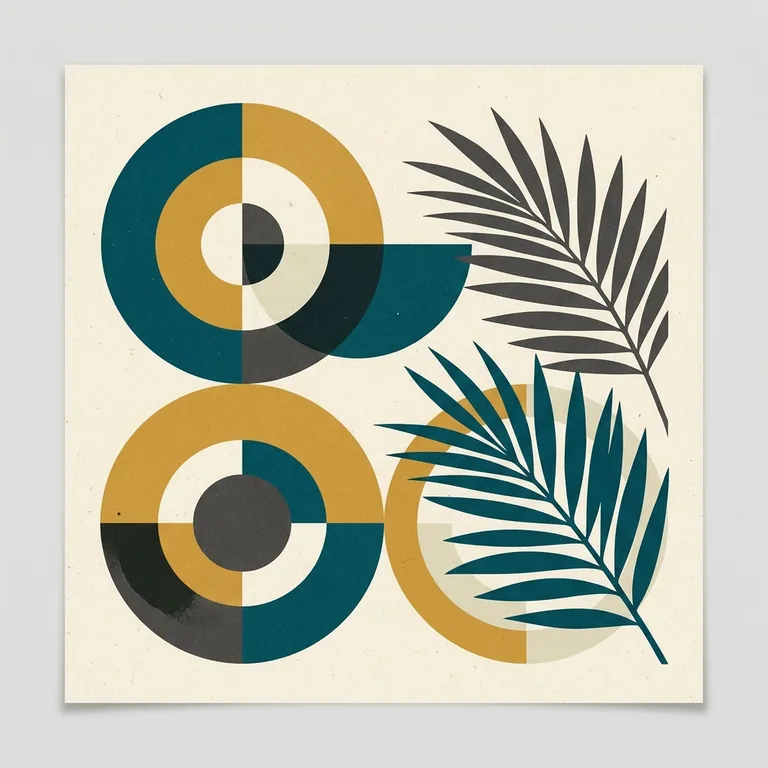
Design vertical event posters, Swiss graphic art, and brand campaign visuals.